💳 Add Money to Your Ad Account
Follow this visual guide to securely add funds directly to Meta using the app.
📱
Step-by-Step Mobile Guide
Follow Screenshots Below1
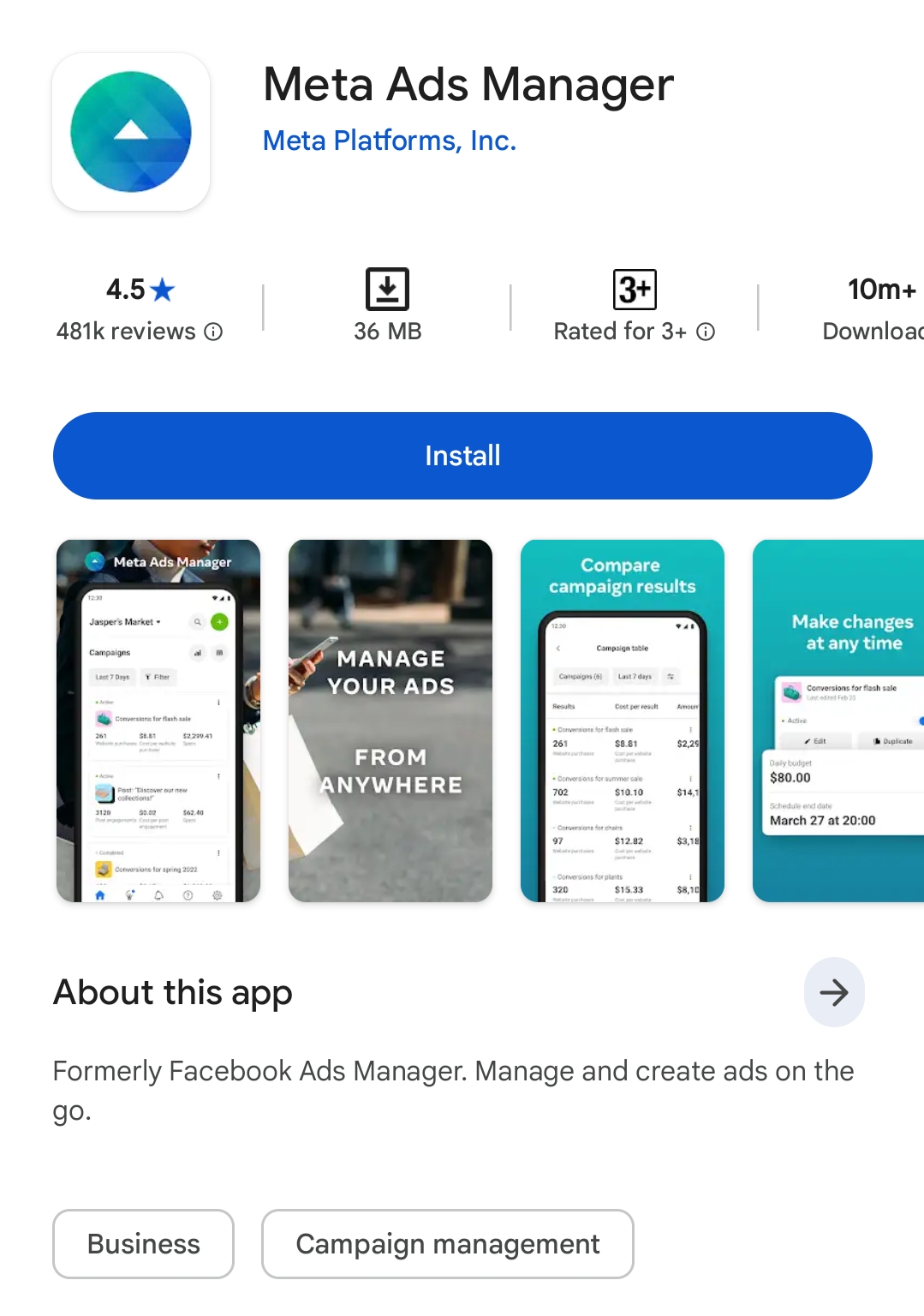
Go to the Play Store and install the Meta Ads Manager app.
2
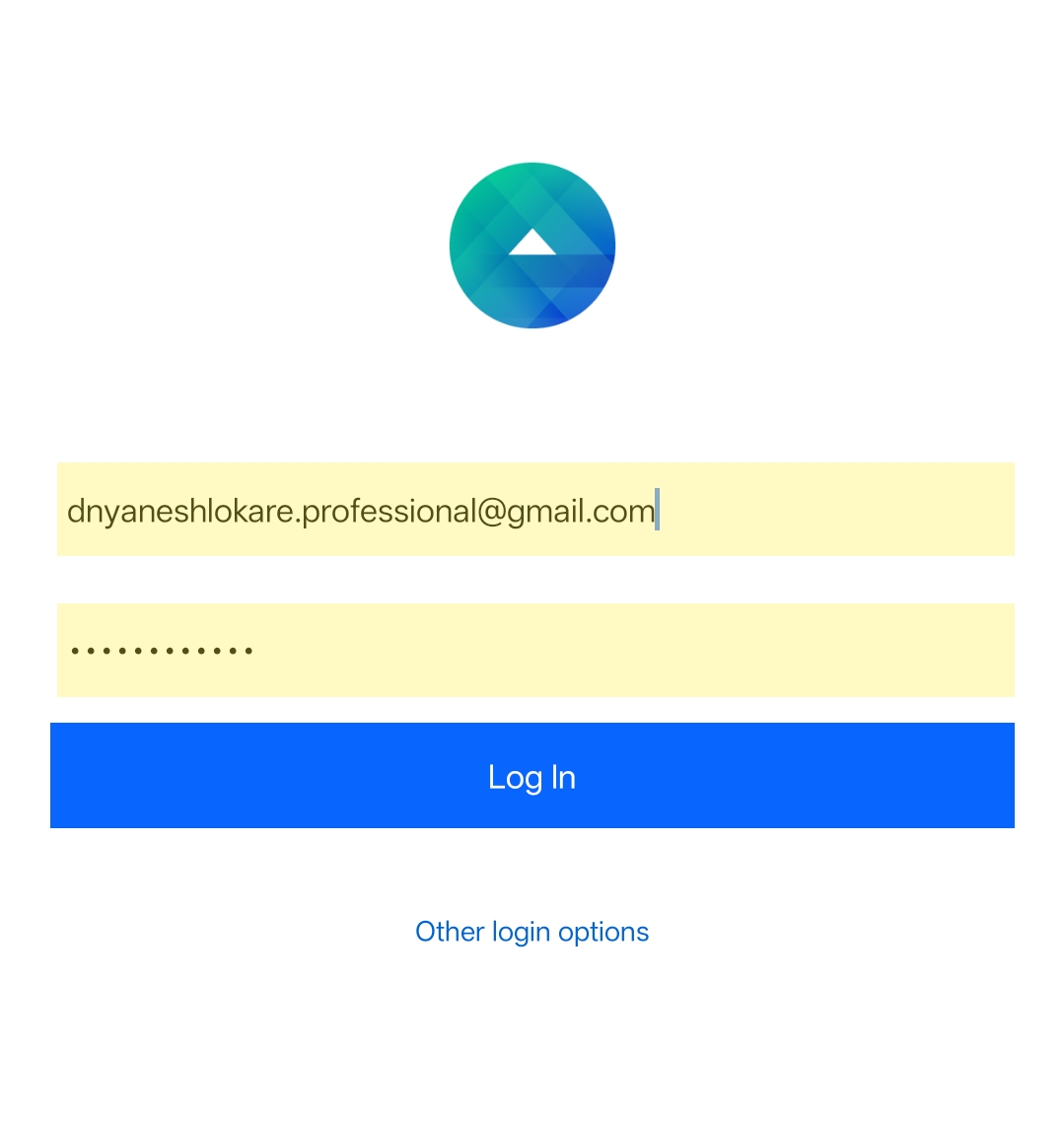
Open the app and Log in with your Facebook account.
3
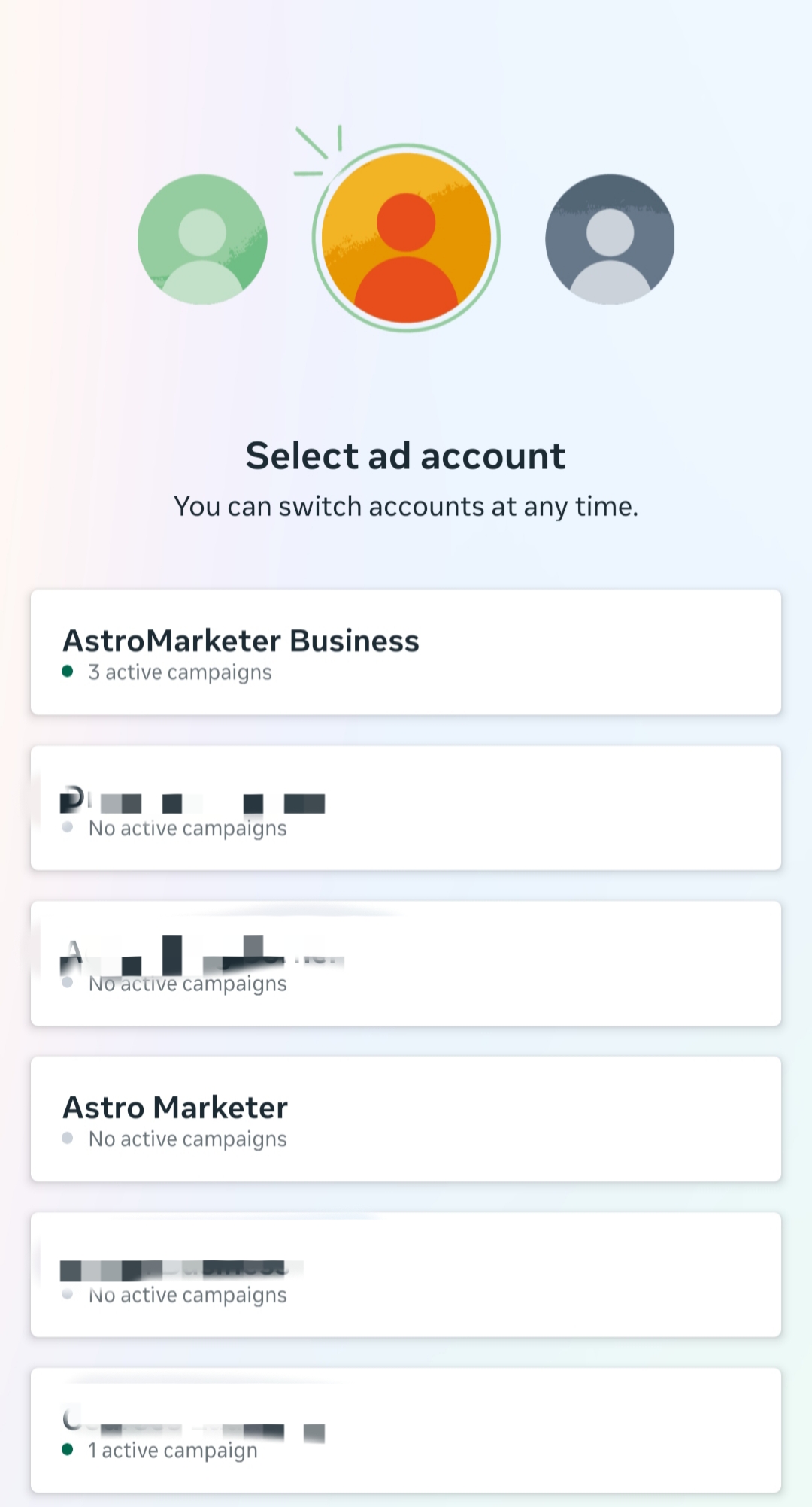
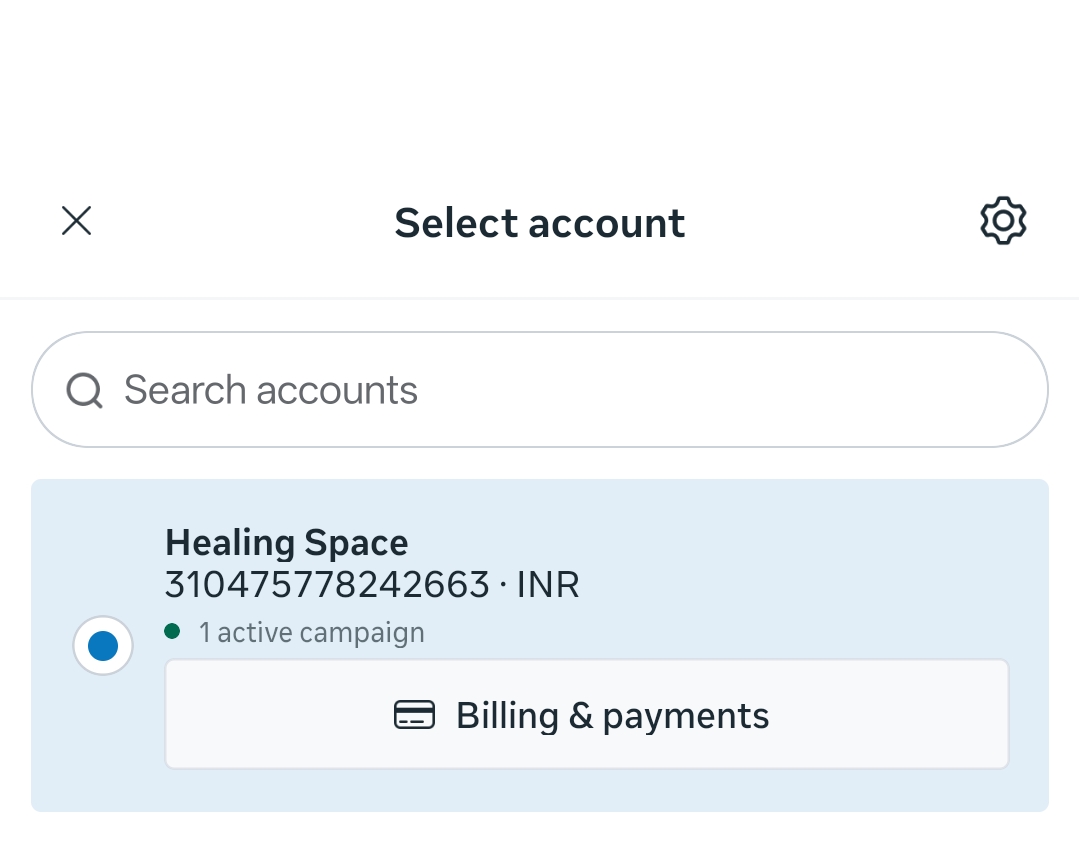
Select your Ad Account from the list.
4
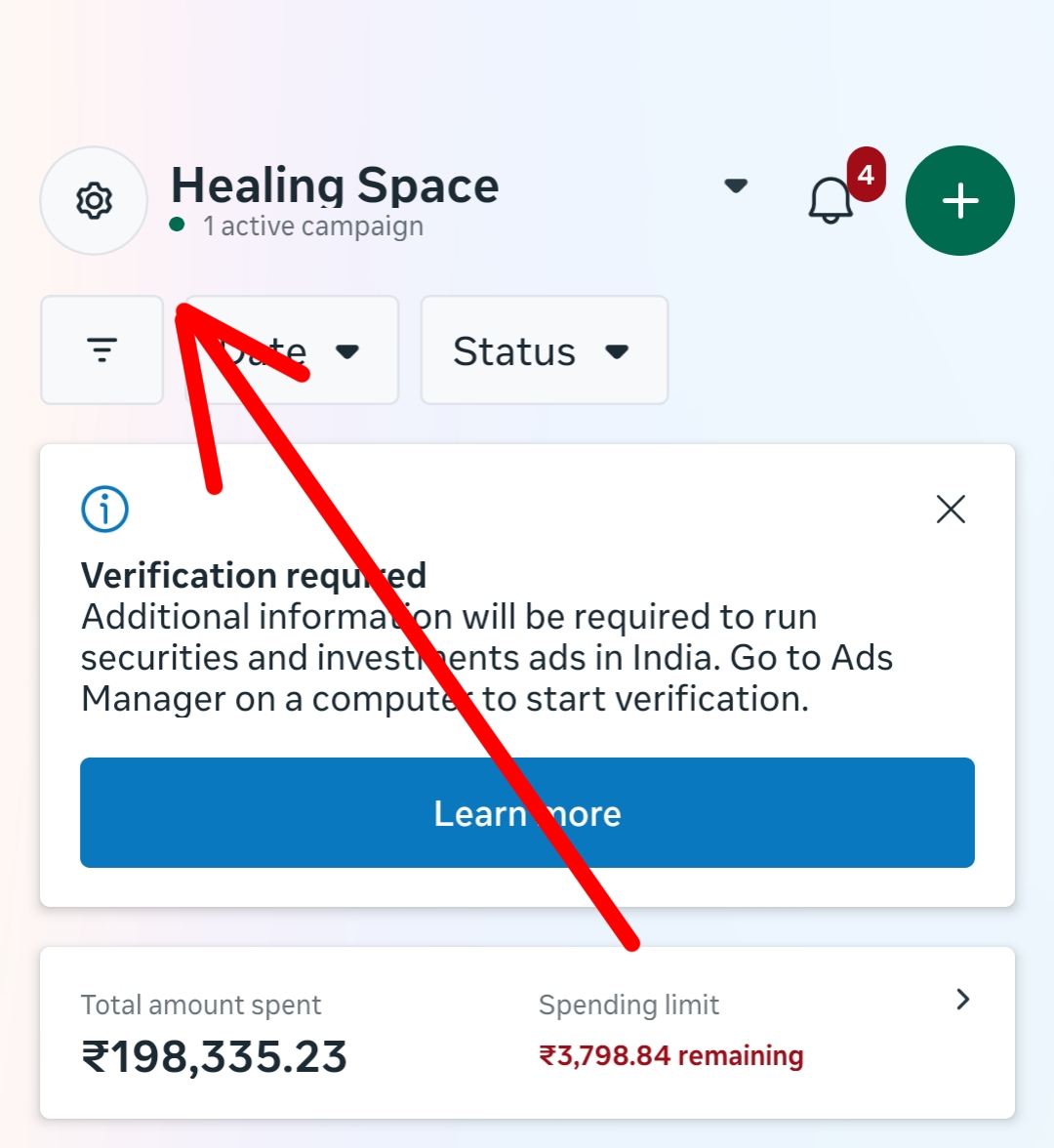
Tap the Settings (Gear Icon) ⚙️ located in the corner.
5
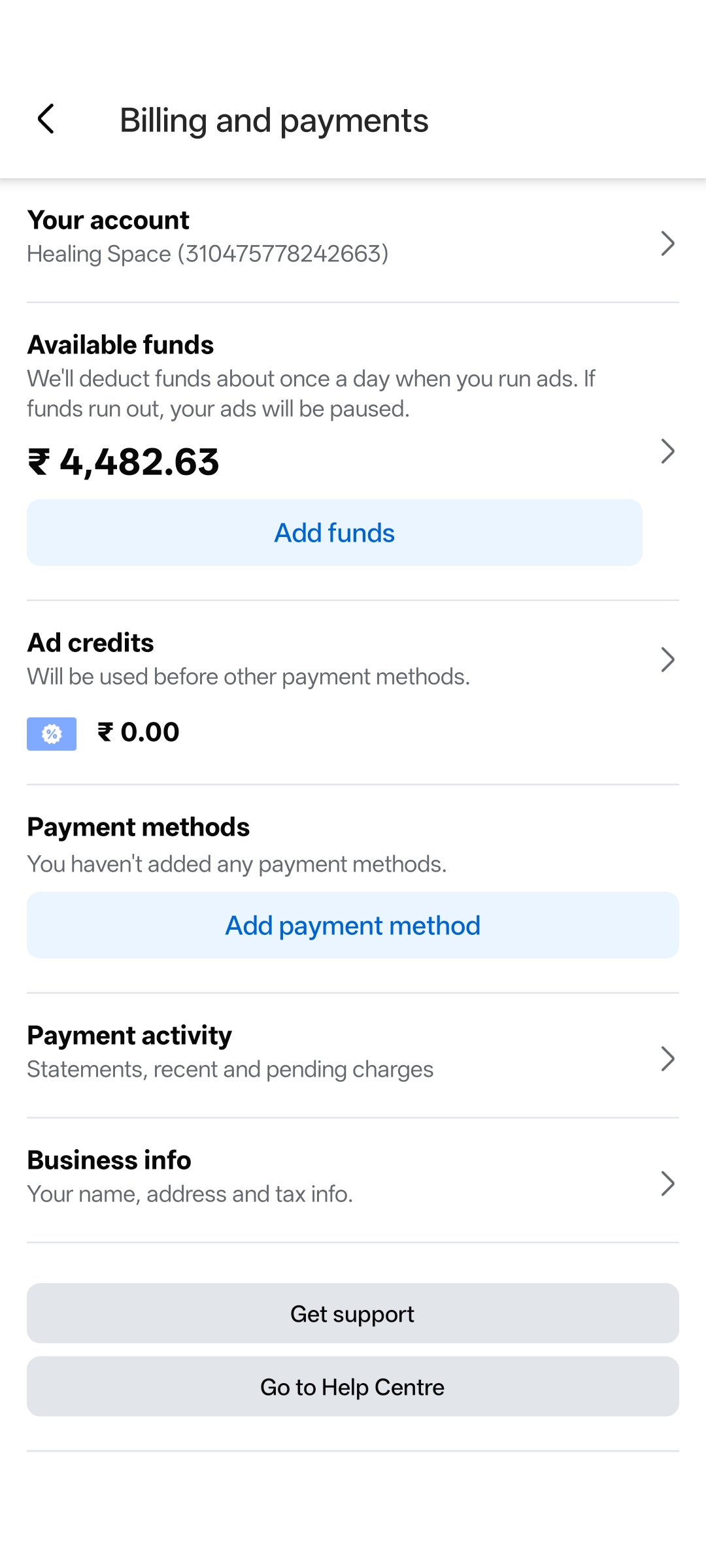
Tap on Billing and payments.
6
Tap the Blue Add funds button.
7
Enter the amount (e.g., ₹3,000) and select UPI or Card. Then click Next to pay.
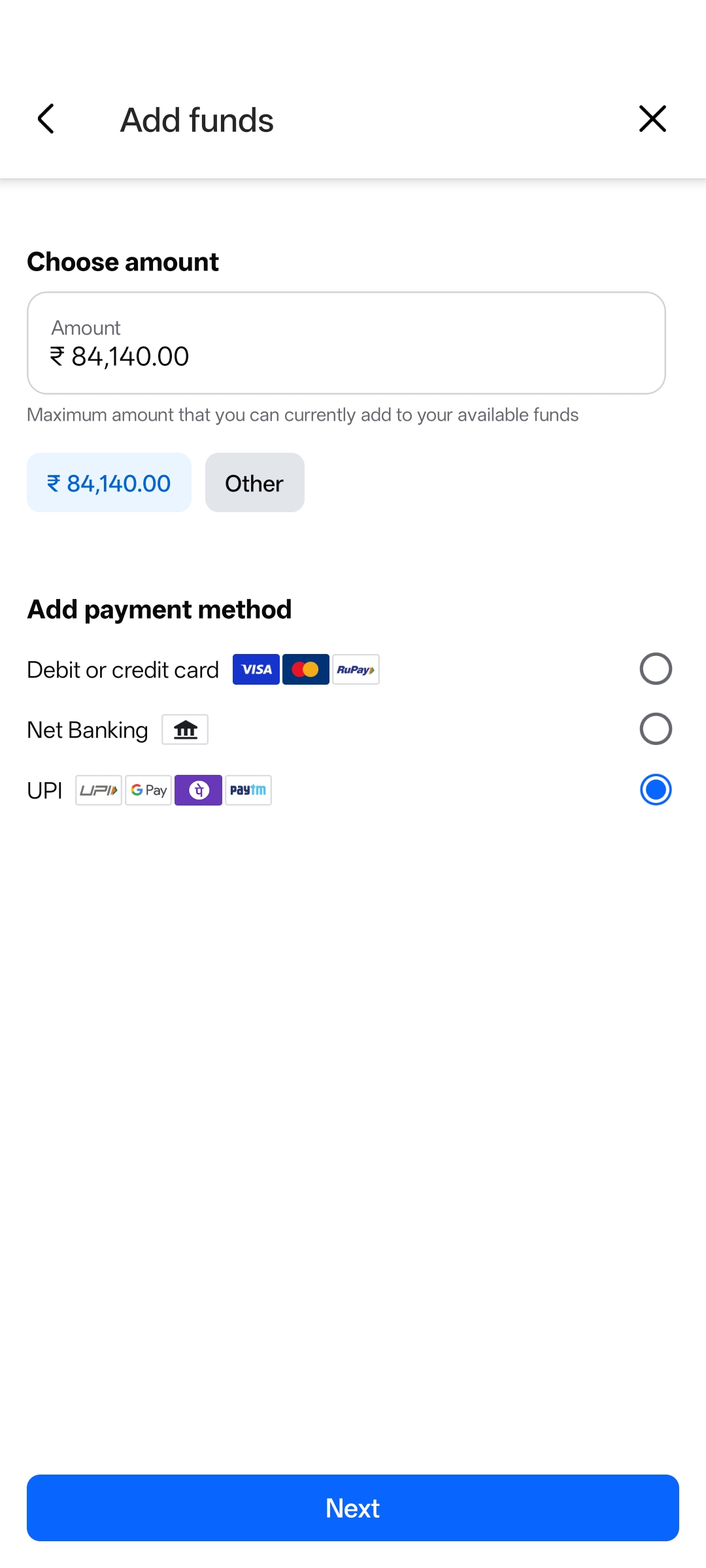
💰 Tip: Start with ₹3,000 to ₹5,000 for testing.
⚠️ Safety Notice
Always add funds inside this app. Never send money personally to anyone on WhatsApp.